Blog post content
A Parent’s Guide to Roblox & Minecraft: Keeping Your Child Safe While They Play
As two of the most popular games among children today, Roblox and Minecraft offer creative, social, and educational experiences—but they also come with risks. This guide helps parents understand both platforms and how to safeguard their child’s experience. 🧒🎮
Minecraft: Build, Explore, Survive
What Is Minecraft?
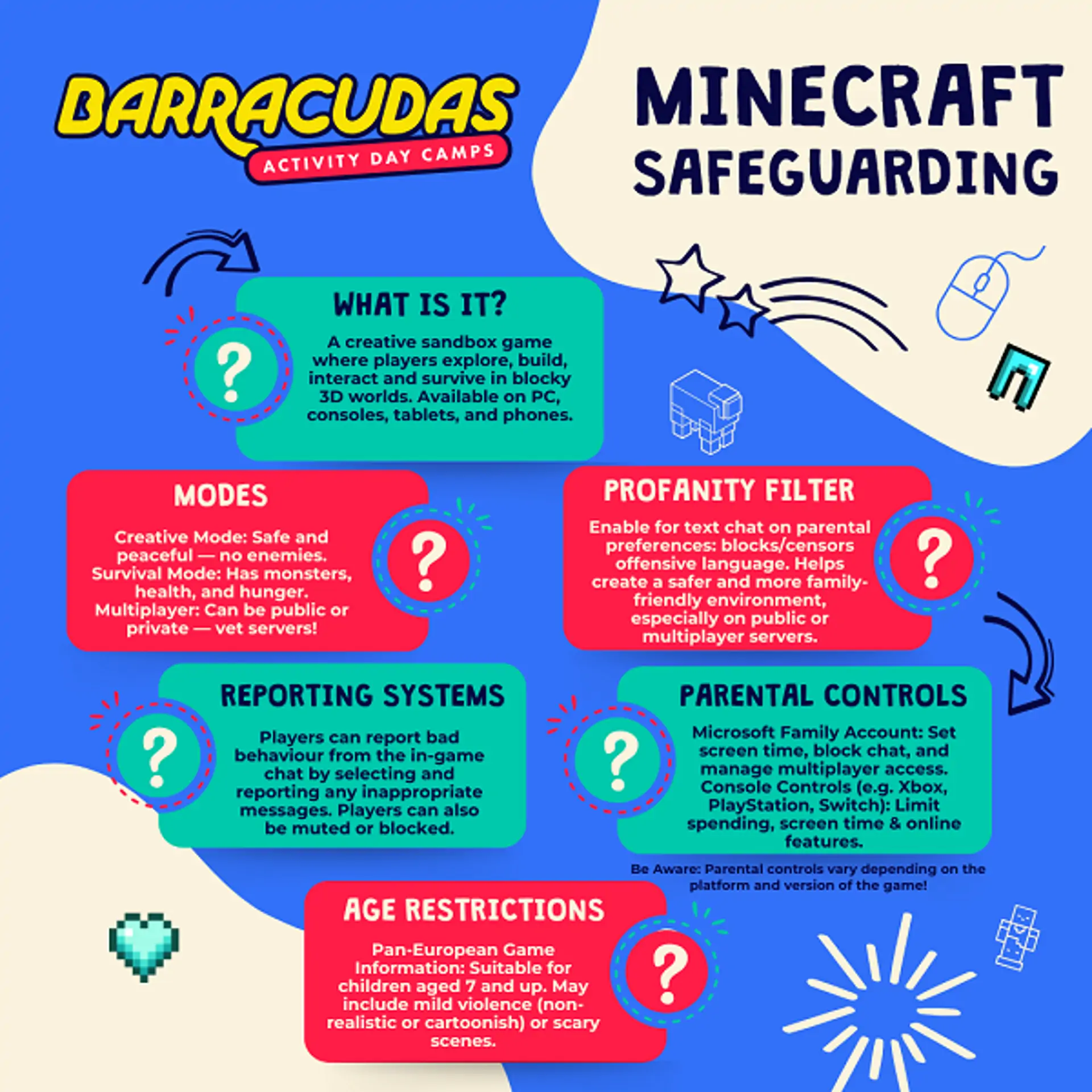
Minecraft is a sandbox game that allows players to build, explore, and survive in blocky, pixelated worlds. Players can craft tools, build structures, and interact with others. It’s available on various platforms, including Java Edition (PC) and Bedrock Edition (console/mobile). 🟩
Age Restrictions
- PEGI (Pan European Game Information) has altered their rating from PEGI 7 to Parental Guidance Recommended (PEGI !) because of the amount of user-generated content
- Common Sense Media recommends it for ages 8+
- No built-in age gating—parents must enable restrictions through the platform or Microsoft account
Player Modes
Single-player and multiplayer modes
Game types:
- Creative Mode: Build freely with unlimited resources
- Survival Mode: Collect resources, fight mobs, and stay alive
- Adventure Mode: Pre-made maps with goals and rules
- Multiplayer includes both private servers and public realms
Parental Controls
Set up through a Microsoft Family Account:
- Control screen time
- Set spending limits
- Enable content restrictions for Minecraft Realms and servers
- Console-based controls (Xbox, Nintendo Switch, etc.) offer further restrictions
Profanity Filters
- No built-in profanity filter for Java Edition
- Bedrock Edition and Realms have basic filtering when linked to Microsoft accounts
- Players on private servers can still be exposed to unfiltered chat unless server mods/plugins are in place
In-Game Purchases
Use Microsoft account settings to:
- Disable purchases
- Require parental approval for each transaction
- Avoid saving payment details on the child’s account
Reporting & Blocking
Players can report bad behaviour from the in-game chat
- Players can be muted or blocked
- Player profile → Report Player
- Inappropriate behaviour or content can be flagged
Additional Tips
- Join a server with your child or supervise gameplay
- Use whitelisted servers or create your own for safer multiplayer
- Teach your child to never share server IPs, personal info, or use external mods without your knowledge
Roblox: A Social Gaming Universe
What Is Roblox?
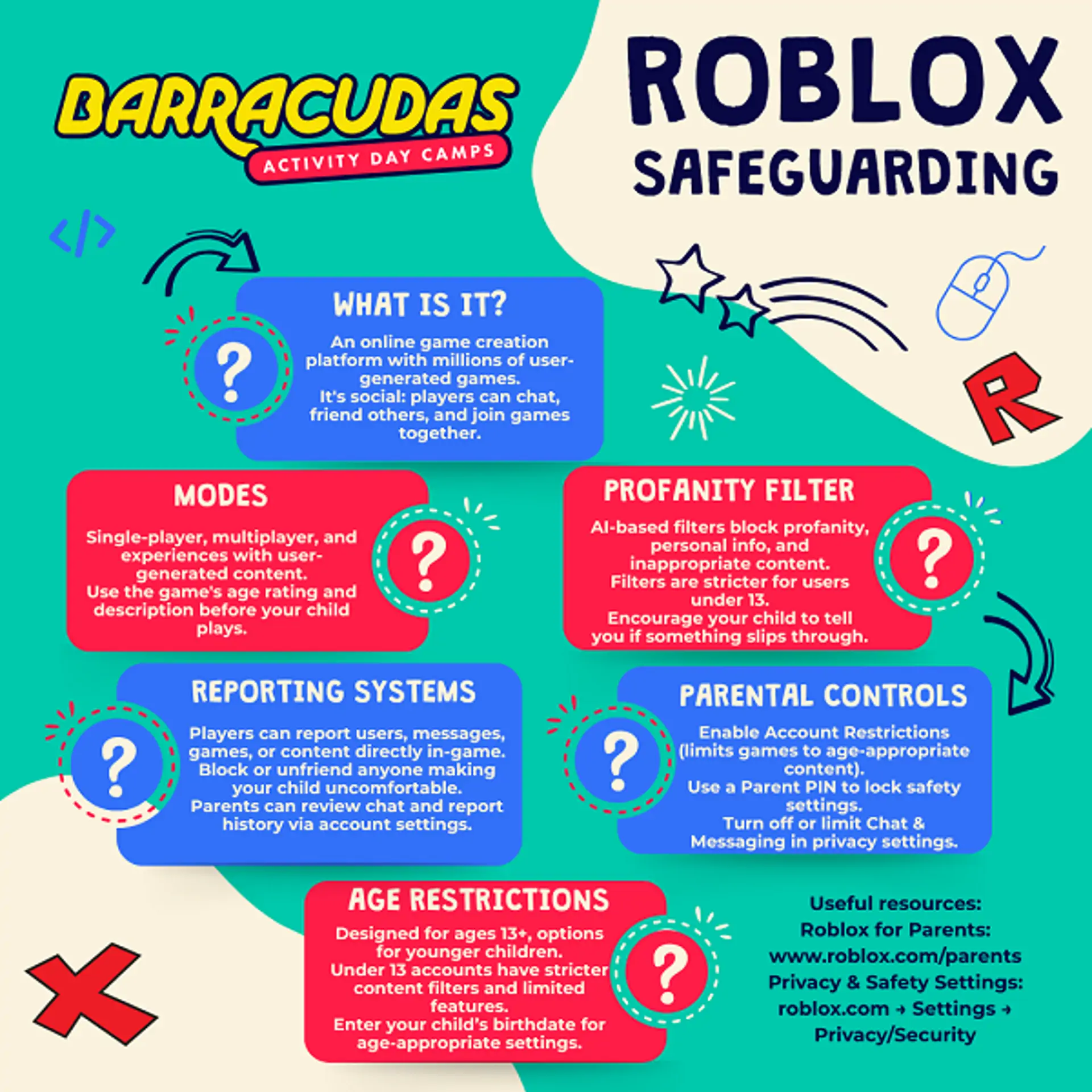
Roblox is not a single game, but a platform where users can create and play games built by others. It includes everything from obstacle courses to roleplaying and shooting games. It is a colourful, constantly changing world of online games which appeals particularly to children who gather to play together. Much of the content is user-generated, which means quality and appropriateness vary widely. Roblox is free-to-play, but also features a virtual currency known as Robux that can be purchased with real-world money. 🟥
Age Restrictions
- Roblox has a PEGI (Pan European Game Information) rating of 7 in the UK
- Rated 13+ by Common Sense Media.
- Roblox allows children under 13 to join, but age-appropriate content filters are applied based on the birthdate used during sign-up.
Player Modes
- Single-player and multiplayer modes
- Heavy focus on social interaction, including chatting and joining games with friends
Parental Controls
- Account Restrictions: Limits access to a curated list of age-appropriate games
- Parent PIN: Locks safety settings to prevent changes
- Privacy Settings: Control who can message, chat, join games, or follow your child
- Chat Controls: Disable or limit chat for younger users
Profanity Filters
Roblox uses AI-based content filters that:
- Block profanity and inappropriate language
- Detect and restrict sharing of personal information
- Are stricter for users under 13
In-Game Purchases & Robux
Robux is the in-game currency used for skins, items, and game passes.
To prevent unauthorized spending:
- Disable or limit spending through platform-level restrictions (e.g. Xbox/Mobile app settings)
- Do not save payment methods on your child’s account
- Monitor purchase history via the account’s Transaction tab
Reporting & Safety Systems
Players can report users, games, or content directly in the platform.
- Click the three dots on a player’s profile or use the Report Abuse option in-game
- The block feature is also available to stop interaction with specific players
- Parents can view chat history and reports via the account dashboard
Additional Tips
- Regularly review your child’s Friends List, Chat History, and Game History
- Play games together to understand what your child is experiencing
- Visit the Roblox Parent Guide for updates
Final Thoughts
Both Roblox and Minecraft offer tremendous creative and social opportunities—but they also require active parental involvement. With the right settings, conversations, and supervision, you can help your child enjoy these games safely and responsibly. 👨👩👧
Resources for Parents
- Roblox Parents Guide
- Minecraft for Parents (Microsoft)
- Microsoft Family Safety
- Internet matters Minecraft parent guide
- Internet matters Roblox parent guide
Coding courses at Barracudas summer camps
We feed children's passions in a safe and controlled environment at Barracudas. This summer we have a number of specialist coding courses available at selected camps. Delivered by the experts at BlueShift Coding, designed and led by industry leaders within the coding education field, providing the latest technologies and teaching practices.
Minecraft coding: This is a fantastic 3-day course. They'll learn how to use code to change their Minecraft world and add new features, as well as writing programs which will automatically build their own amazing structures. The course will also allow them to become familiar with sequences, programming structure and looping.
Roblox coding: This is a fantastic 4-day course. They'll learn the basics of how Roblox Game Development works and design three games of their own.